Control panel
The Enterprise Control Panel is used to manage installation level settings for your DeepSource enterprise installation.
Overview
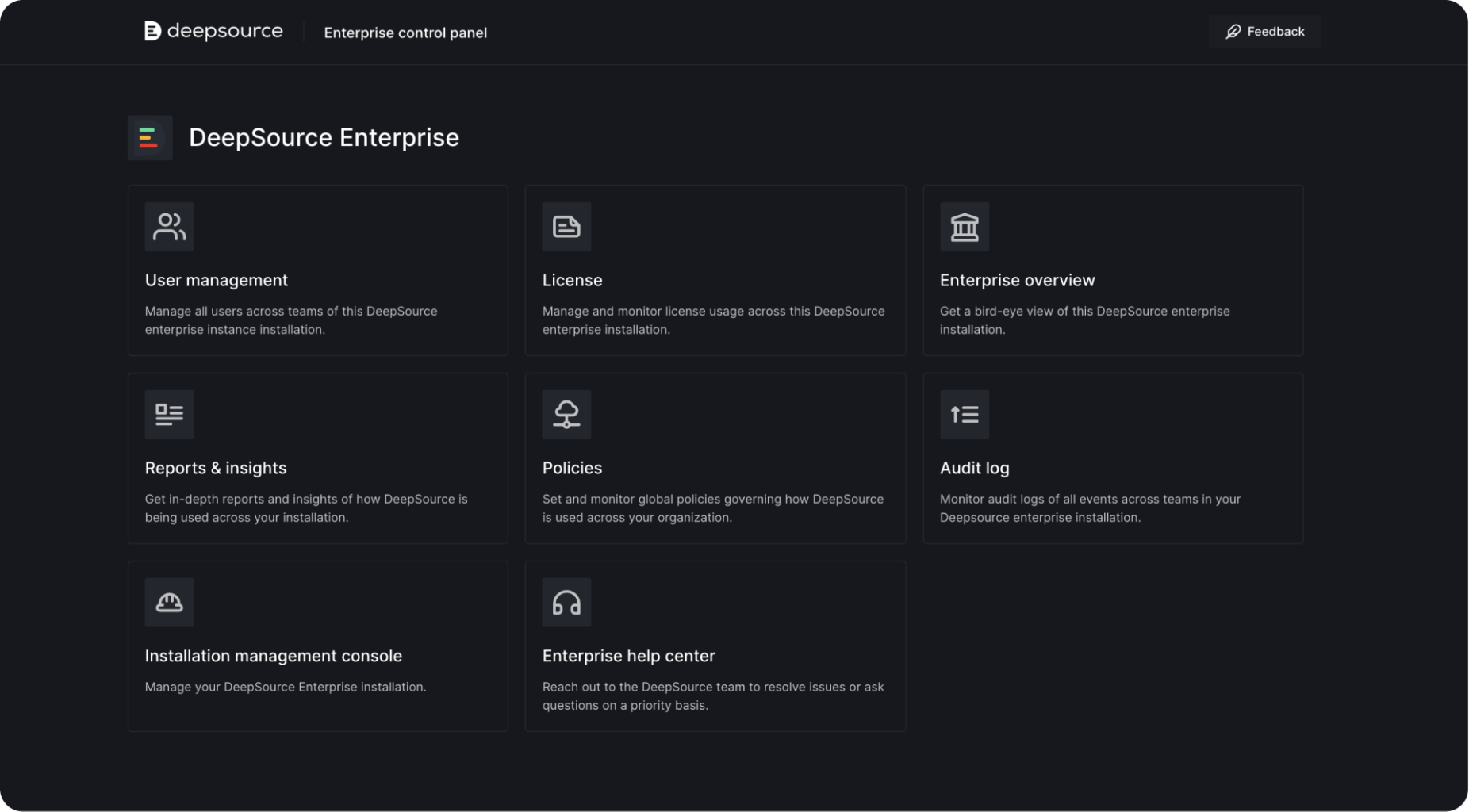
The following sections are available under it:
-
User management
Manage all users across all teams in your DeepSource enterprise installation.
-
License
Manage and monitor license usage across your DeepSource enterprise installation.
-
Installation management console
Manage your DeepSource Enterprise installation.
-
Enterprise help center
Reach out to the DeepSource team to resolve issues or ask questions on a priority basis.
-
Enterprise overview (Coming soon)
Get a bird's-eye view of your DeepSource enterprise installation.
-
Reports & insights (Coming soon)
Get in-depth reports and insights on how DeepSource is being used across your installation.
-
Policies (Coming soon)
Set and monitor global policies governing how DeepSource is used across your organization.
-
Audit logs (Coming soon)
Monitor audit logs of all events across teams in your Deepsource enterprise installation.
How to access Enterprise Control Panel
Only DeepSource Enterprise Admins can access the Enterprise Control Panel. To set a user as such, please follow the given steps:
- Open your Kotsadm.
- Go to the
Configsection and search for theDeepSource Enterprise Adminssection. - Enter email IDs of users that should be set as admins in comma-separated format.
- Save the config and deploy the updated version.
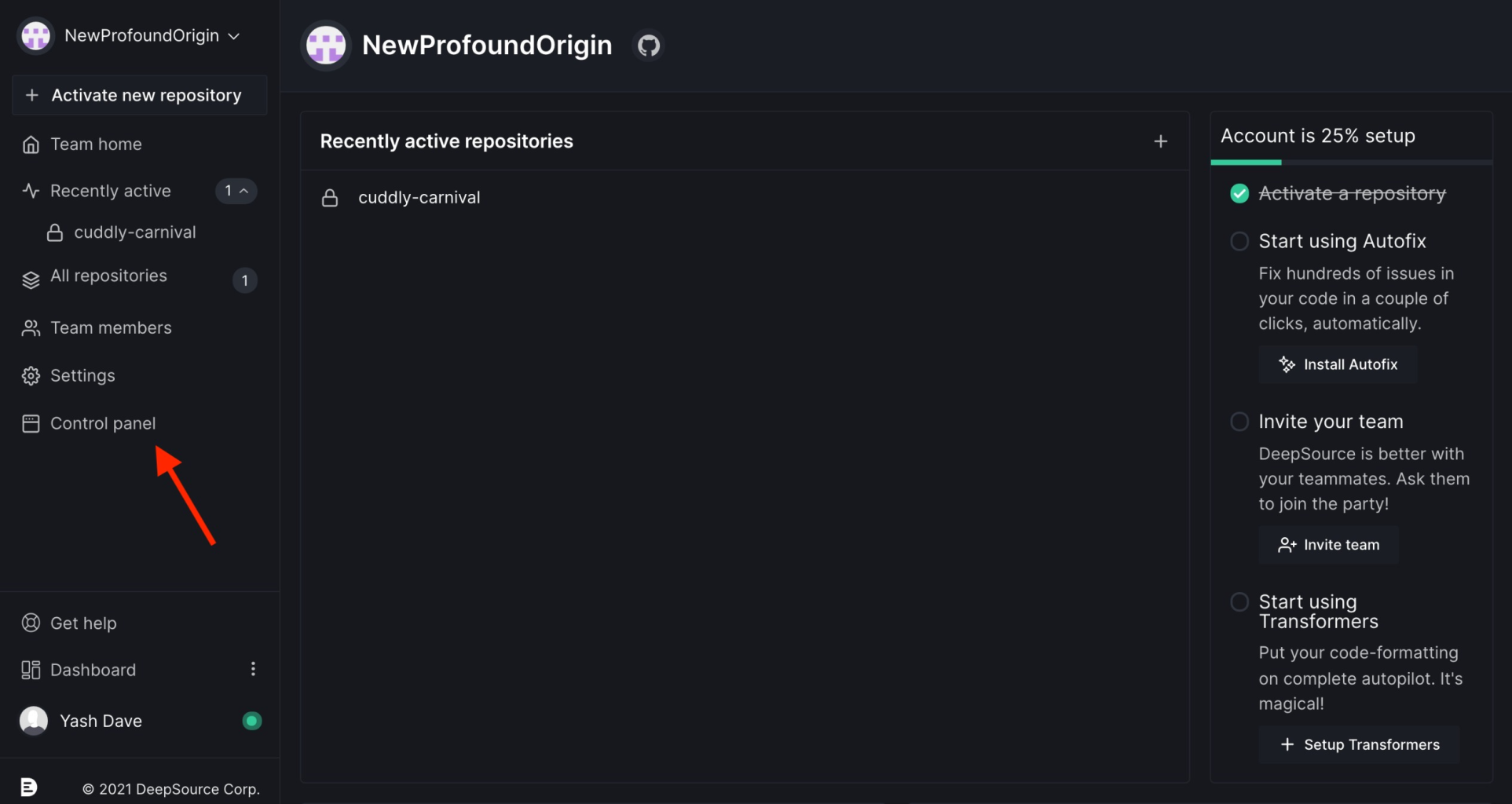
- The users set as admins should be able to access the Enterprise Control Panel by clicking on
Control Panelin their sidebar.