

Upgrade guide
v5.1.0
To toggle mention-based triggering for AI Code Review, the DeepSource app for your VCS needs additional permissions.
GitHub
- Repository
- Issues: Read
- Permissions and events
- Issue comment
Once the app's permissions are updated, accept them either from the email you'll receive from GitHub, or under Organization Settings > Third-party Access > Installed GitHub Apps, where the installed app is flagged with Permission updates requested.
v5.0.0
This release requires a license sync and the pgvector PostgreSQL extension to be enabled on the application database. To use and deploy DeepSource Enterprise Server v5.0.0 follow the steps below.
If you are using an external PostgreSQL database, the vector extension must be enabled on the application database before you deploy v5.0.0. The migration job will fail with type "vector" does not exist otherwise. Connect to the application database as a user with permission to create extensions (typically postgres) and run:
CREATE EXTENSION IF NOT EXISTS vector;The database name is shown in the admin console under Config > Database Configuration. This step also applies to all subsequent v5.0.x upgrades from a pre-v5.0.0 release.
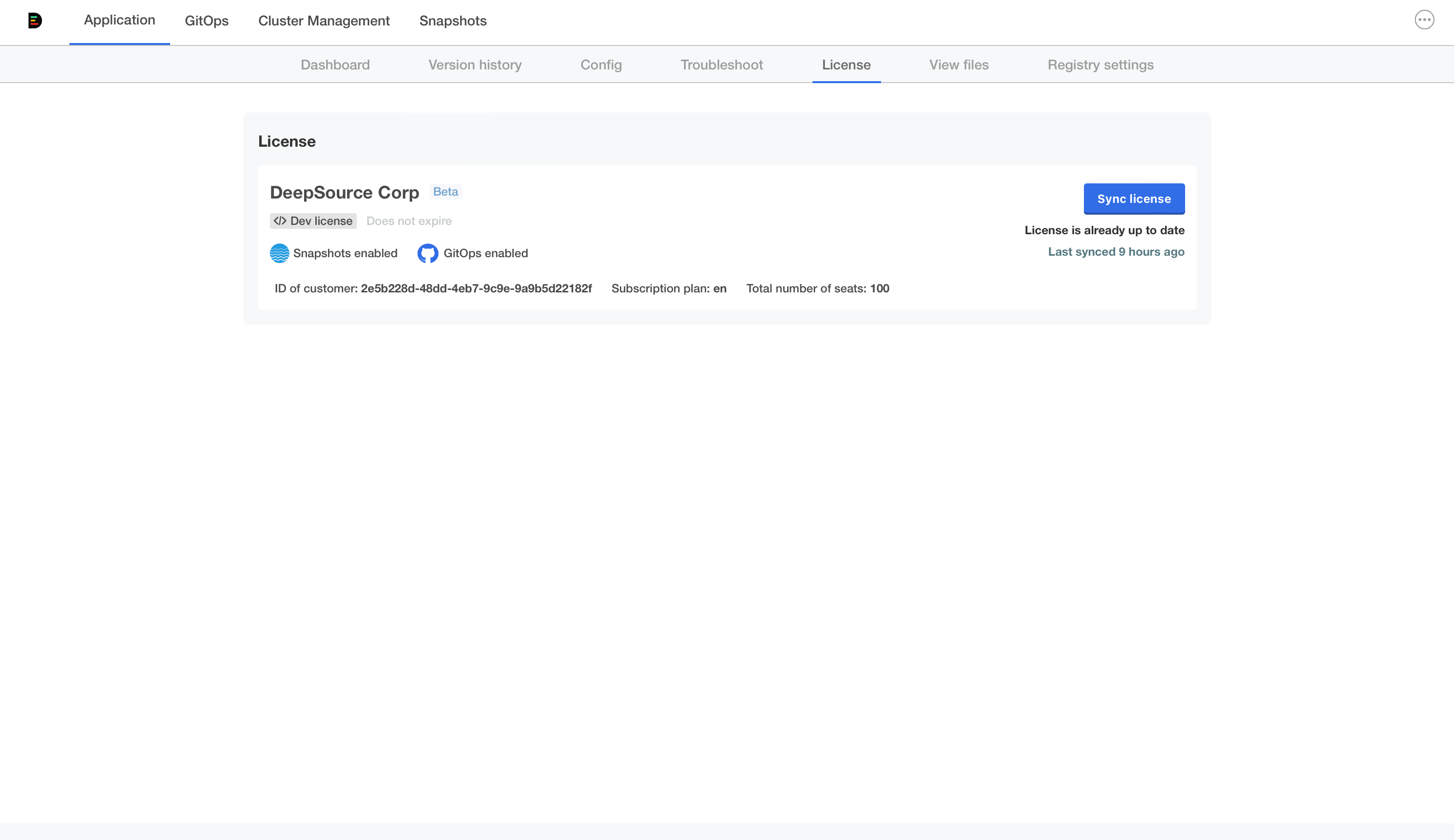
Sync License
- Navigate to the "License" tab on the Admin Console
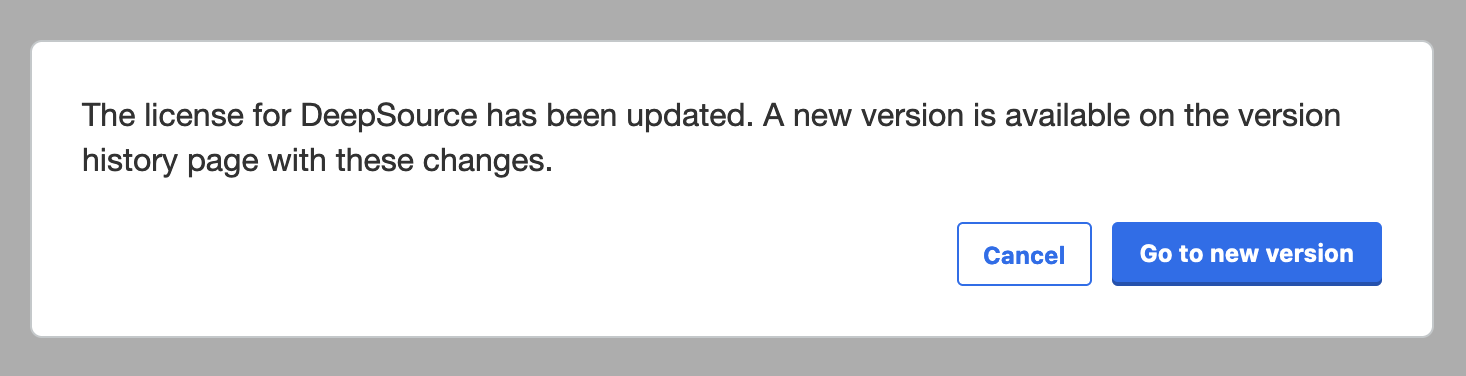
- Click on "Sync License" to get the latest version of the license
Enable the vector extension on the application database (external databases only):
CREATE EXTENSION IF NOT EXISTS vector;Navigate to the "Version History" tab on the Admin Console
Click on "Check For Updates"
The new v5.0.0 release should appear
Deploy DeepSource Enterprise Server v5.0.0
v4.4.0
This release upgrades Redis from 7.0.9 to 8.2.2. As part of this upgrade, the redis-haproxy deployment has a new selector label, and since Kubernetes selector labels are immutable, the old deployment must be removed before upgrading. Follow the steps below to handle this safely.
Delete the redis-haproxy deployment (the --cascade=orphan flag keeps the pods running):
kubectl delete deployment redis-haproxy -n <deepsource-namespace> --cascade=orphanDeploy v4.4.0 from the admin console
You can get the value of DeepSource application namespace from the admin console by navigating to Config > Namespace for application workloads.
v4.1.17
A major change to workload manifests was released with Enterprise Server v4.1.14 that broke the support-bundle log collection for some workloads.
This release fixes the issue and support-bundle log collection should work as expected now. To deploy this release you need to follow the steps below:
Delete the analytics deployment:
kubectl delete deploy asgard-celery-analytics -n <deepsource-namespace>Deploy v4.1.17 from the admin console
You can get the value of DeepSource application namespace from the admin console by navigating to Config > Namespace for application workloads.