

Enable code formatters
Auto-format pull requests with DeepSource code formatters
Code formatters automatically format your code on every pull request. When enabled, DeepSource runs the formatter and adds a commit with the changes on top of the last commit — no manual formatting needed.
Enable a formatter
- Open your repository in DeepSource and go to Settings > Code Formatters
- Search for the formatter you want (e.g., Black, Prettier, gofmt)
- Toggle it on
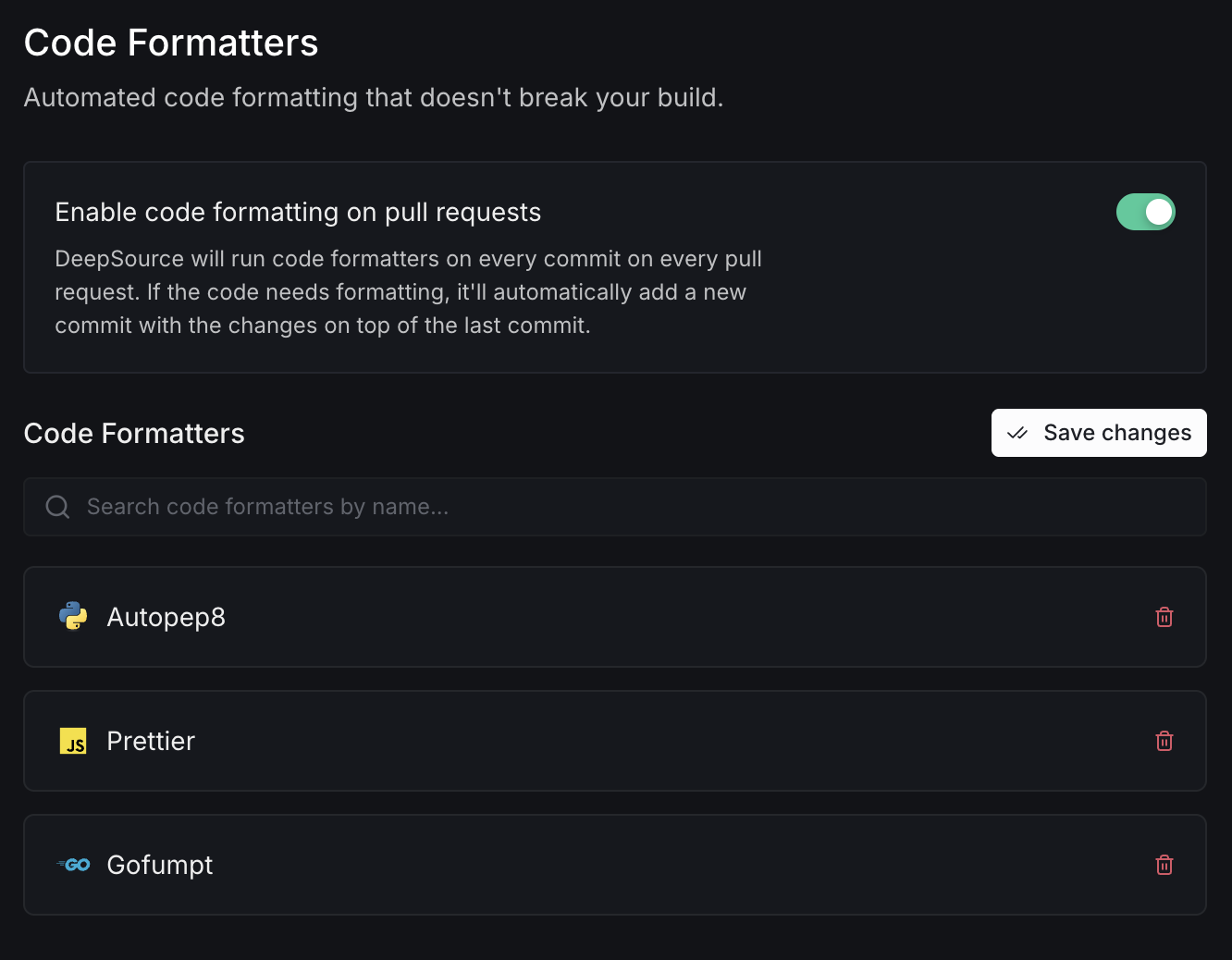
Once enabled, every pull request will be checked automatically. If the code needs formatting, DeepSource adds a commit with the fixes.
For the full list of supported formatters and their options, see Code formatters reference.