

Monorepos
Manage monorepo repositories on DeepSource with sub-repository analysis.
DeepSource supports monorepo workflows, letting you analyze individual projects within a single repository independently.
What is a monorepo?
A monorepo is a single repository that stores code for multiple projects. Many organizations use this approach for improved code sharing, developer mobility, and simplified dependency management.
How monorepos work in DeepSource
Since a monorepo contains multiple projects, DeepSource provides granular control at each project level rather than treating the entire repository as one unit. Each project within the monorepo is a sub-repository that can have its own metrics, thresholds, and configurations.
Monorepo support requires the Team or Enterprise plan.
Monorepo dashboard
Once a repository is set up as a monorepo, the dashboard shows all sub-repositories with their default branch and latest commit. You can search for specific sub-repositories and add new ones.
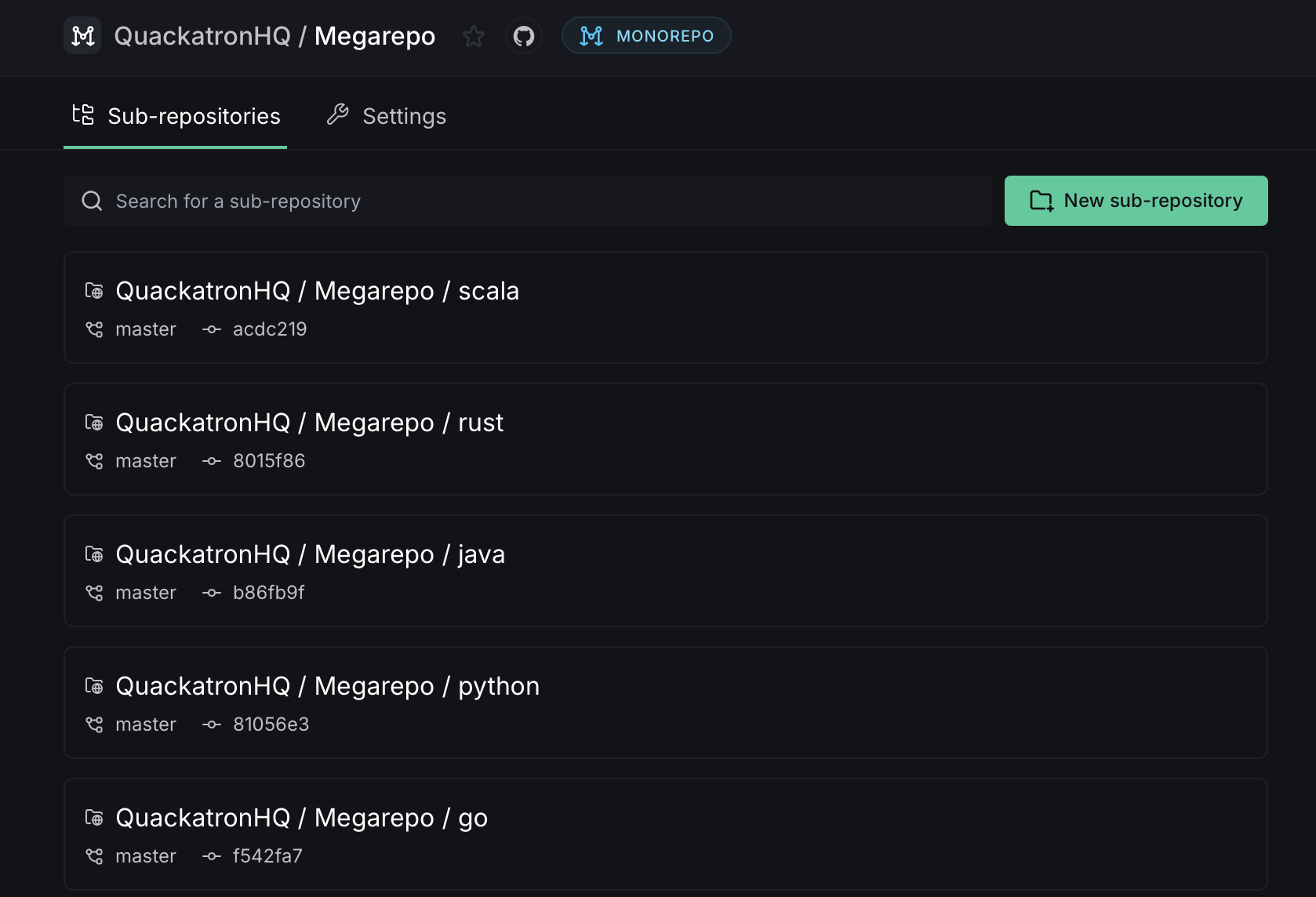
Click New sub-repository to add a new project path for analysis. Each sub-repository can exist at any depth within the monorepo.
Enabling monorepo mode
On a new repository
When activating a new repository, click the Onboard as Monorepo button to set it up as a monorepo from the start. You can then add sub-repositories from the monorepo dashboard.
On an existing repository
To convert an existing repository to a monorepo:
- Go to the repository dashboard and navigate to Settings.
- Scroll to the Monorepo settings section.
- Click Convert to monorepo and confirm by entering the repository name.
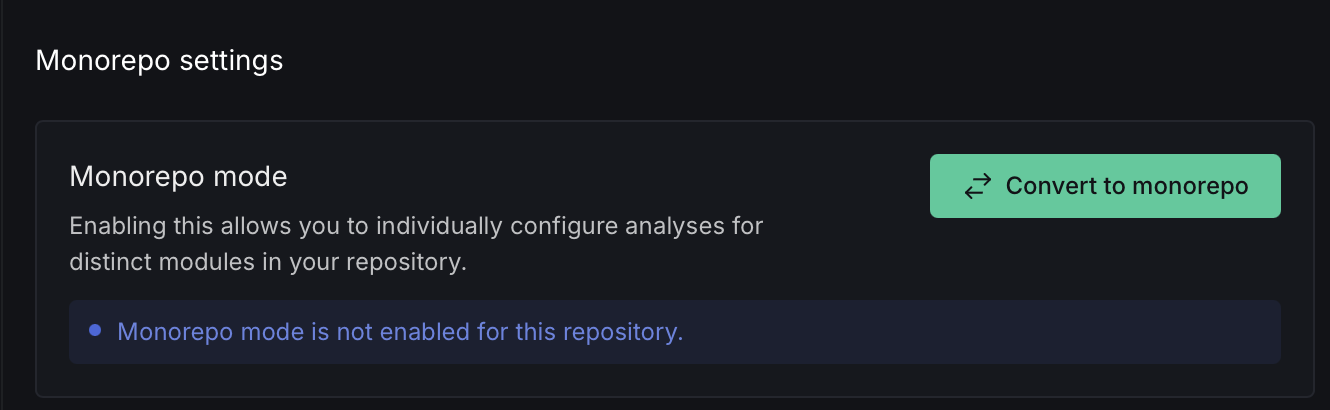
Converting to a monorepo is a destructive action. All existing metrics, reports, issues, and ignored issues will be deleted. Public API integrations and test coverage artifacts for this repository will stop working after conversion.
Monorepo settings
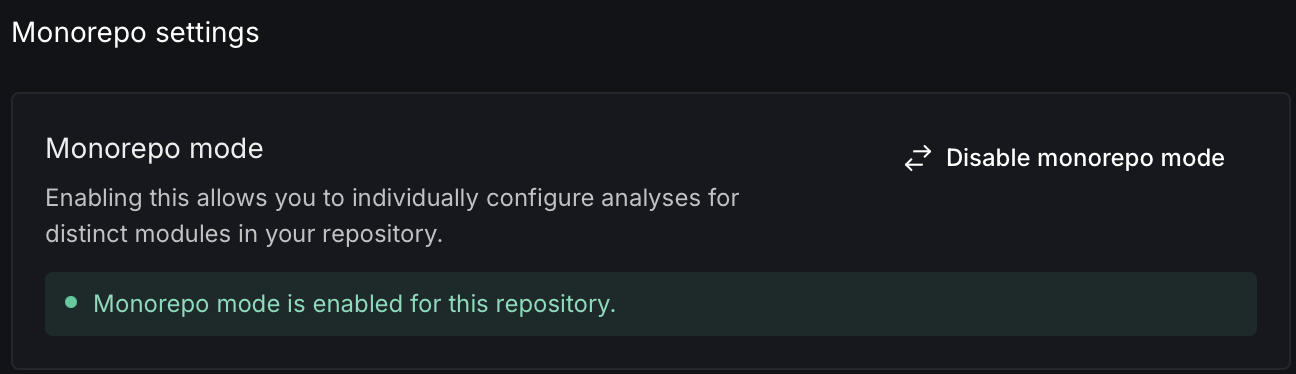
The Settings tab on a monorepo shows the monorepo mode status and provides options for managing the configuration.
Sub-repository analysis settings
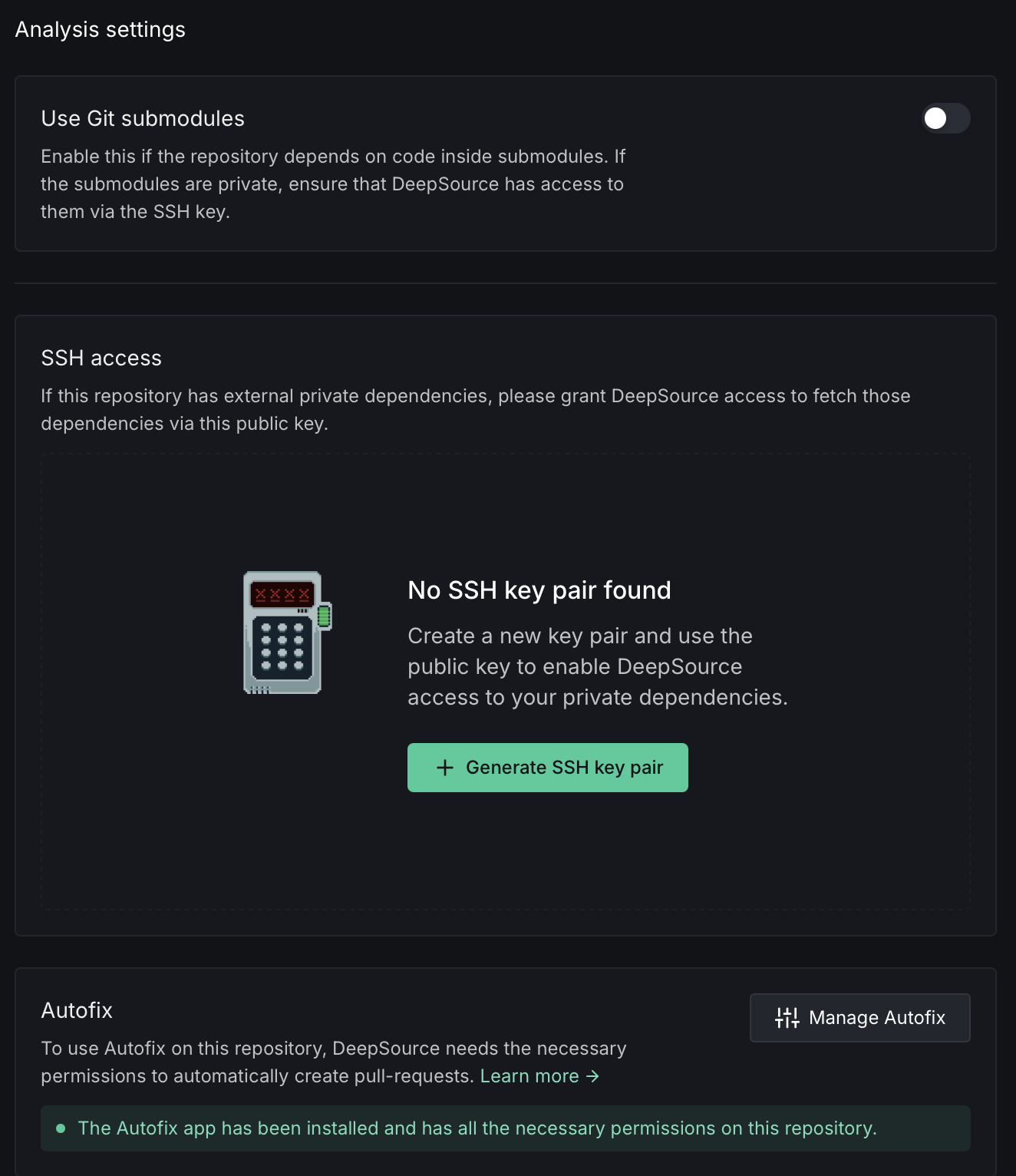
Each sub-repository has its own analysis settings, including Git submodules, SSH access for private dependencies, and Autofix™ configuration.
Vulnerability scanning in monorepos
DeepSource supports OSS vulnerability scanning on monorepos. Each sub-repository gets its own Dependencies tab with results that reflect only the packages used by that sub-project.
When a sub-repository has its own lock file, DeepSource uses it directly. When sub-repositories share a single lock file at the repository root — as is common with npm, yarn, pnpm, or bun workspaces, uv workspaces, and cargo workspaces — DeepSource still reports per-sub-repository results based on each sub-project's manifest.
To get started, open any sub-repository and go to its Dependencies tab. See Scan for vulnerabilities for the full walkthrough.
Disabling monorepo mode
To switch a monorepo back to a regular repository:
- Open the monorepo dashboard and go to Settings.
- In the Monorepo settings section, click Disable monorepo mode.
- Review the impact — all sub-repository data (metrics, reports, issues) will be permanently deleted and a new analysis run will be triggered.
- Type the full repository slug to confirm, then click Disable monorepo mode.
Disabling monorepo mode is destructive and cannot be undone. All data tied to sub-repositories will be permanently deleted.
You need Admin access on the repository to enable or disable monorepo mode.